ALLOT LINES · PLATFORM UPDATES
Royalty Splits Updates: More Control over Your Music Royalties
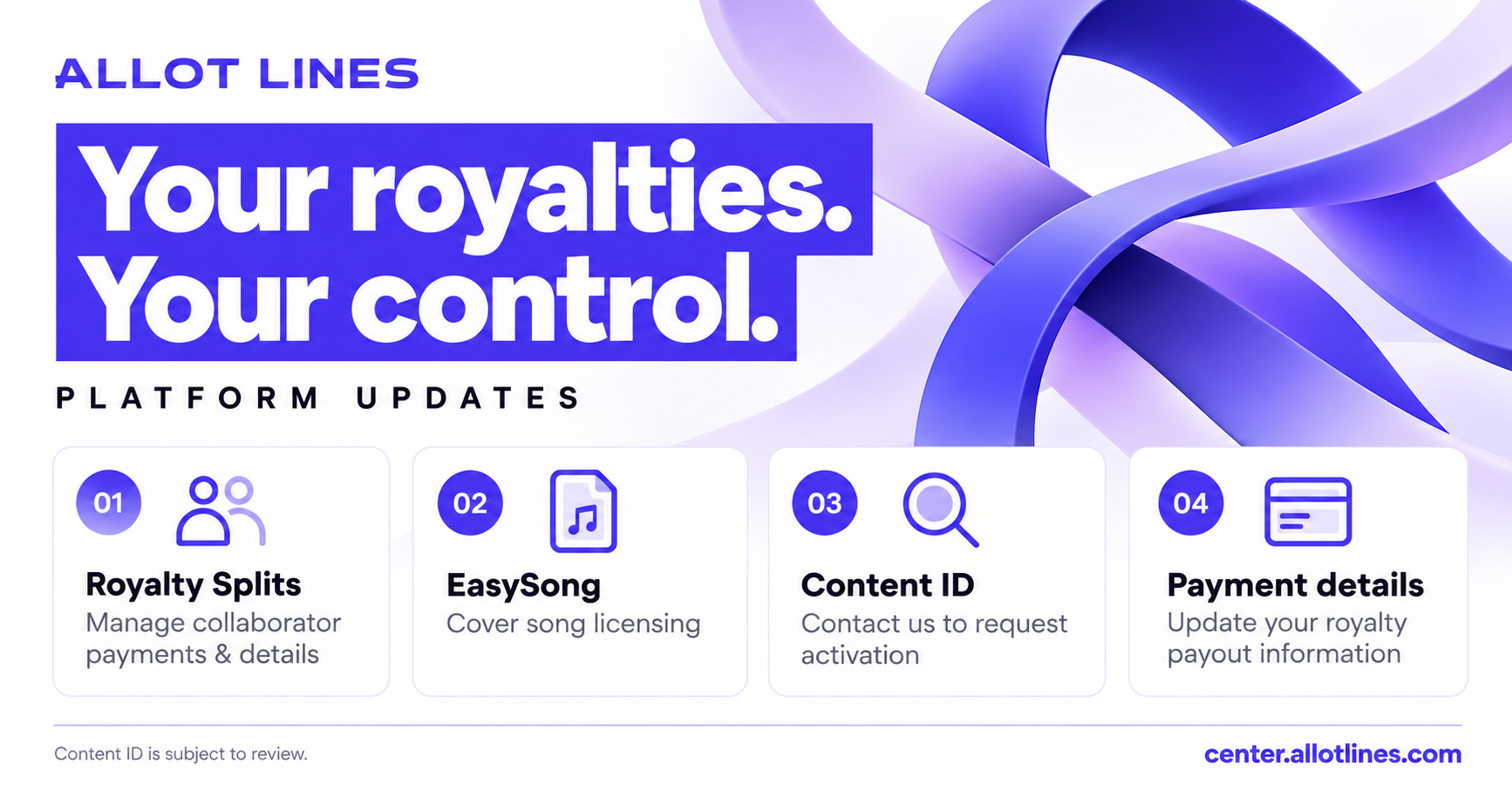
Royalty Splits updates give you control over collaborator payments and payment details. Allot Lines Center also introduces EasySong cover licensing access, reopened Content ID requests and new royalty payment fields.
Royalty Splits updates put collaborator payments in your hands
You can now manage Royalty Splits yourself, including collaborator payment information and payments. You are responsible for arranging payments to your collaborators and keeping their payment details accurate.
Use Royalty Splits → Payouts & Settlements to review your payment and settlement activity. Before settling a payment, confirm the recipient details and the amount owed.
Manage Royalty SplitsAccess Cover Song Licensing by EasySong
If you do not have a cover license when creating a release, you can access EasySong through Allot Lines Center to request permission for eligible cover songs.
- Open the EasySong service from Center or the release creation flow.
- Complete your licensing request and payment directly on the EasySong website.
- Return to Allot Lines Center and upload your final Proof of Licensing for verification.
Purchasing a license does not automatically approve your release. Check that the permission covers your intended use, and submit the final licensing proof for review.
Allot Lines may receive a partner commission when you purchase through its EasySong link.
Access EasySong LicensingContent ID requests are open to all customers again
All customers can now contact Allot Lines to request Content ID activation. Requests and individual releases remain subject to review.
Allot Lines may exclude or remove releases that are unsuitable for Content ID or social media services, including AI-generated music. Account activation does not guarantee that every release will be accepted.
To request activation, contact our support team and identify your Allot Lines account.
Request Content ID ActivationReview the new royalty payment information fields
New payment information fields are available to help you provide the details needed for monthly royalty payments. Open Wallet → Payment Methods and review your information.
- Recipient name and contact details.
- Recipient address and tax information, where required.
- Your selected payment method and account information.
- Required bank details, such as account holder name, account number or IBAN, and BIC/SWIFT code where applicable.
Complete the fields relevant to your payment method and keep them up to date. Monthly payments remain subject to the applicable payout requirements.
Review Your Payment DetailsVND is the official royalty payment currency
VND is the default currency for official royalty payments. USD amounts are displayed for reference and comparison only. USD is not the official payment currency.
When checking your royalties or arranging collaborator payments, use the VND amount as the official payment amount. Treat the displayed USD figure as a reference value.
Your next steps
Review your Royalty Splits, confirm collaborator payment details and update your own payment information. If your next release is a cover song, use the EasySong service to obtain the permission you need and submit your licensing proof.
For Content ID activation or questions about these updates, email [email protected].
Open Allot Lines Center